Check Your Plate Number
Enter your vehicle plate number to continue to the plate checking website.
LTO Tracker is an online tool that allows Filipino motorists to check the status of their vehicle plates and driver's licenses. It allows you to monitor applications and receive delivery updates without having to visit an LTO office. In this article, I've covered how to utilize the tracker, analyze various status updates, follow deliveries, troubleshoot common issues, and tried my best to distinguish between LTO Tracker and the LTMS portal.
What Is LTO Tracker?
LTO Tracker is the online tool that gives you access to check the status of your vehicle plate number or driver's license without going to an LTO branch.You can quickly enter your plate number, 15-digit MV file number, or license information, and the system will return the status of your request. It was developed so that motorists in the Philippines would no longer have to wonder if their plate or license card had been created or had left the printing factory.
Before this service, you could verify your plate status by contacting the LTO hotline, texting 2600, or driving to your LTO local office and asking the support desk. You may now open your phone, enter your information, and get the most recent status in a matter of seconds. This adjustment is significant in a country where the "No Plate, No Travel" regulation implies that driving without a plate might result in a checkpoint inspection.
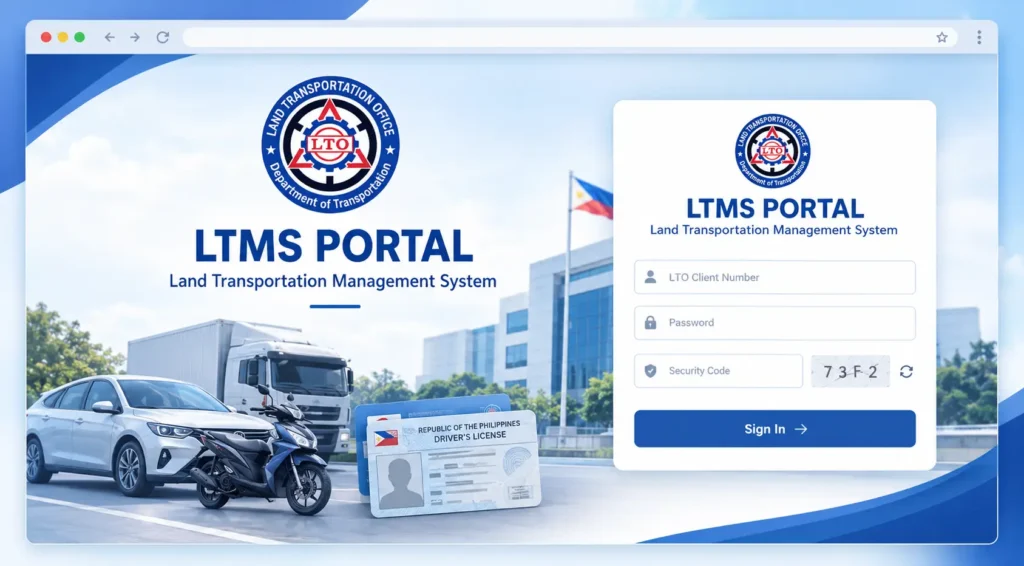
The service works alongside the approved LTMS Portal. LTMS Portal stands for land Transport Management System. It is the government's main digital platform for licensing, vehicle registration, and violation records. LTO Tracker focuses mainly on plate and license delivery status, while the LTMS Portal manages full processes like licensing, registration, and testing. Understanding the difference between the two can save you a lot of confusion later in this guide.
Why Filipino Motorists Rely on LTO Tracker ?
A driver's license card or plate number can take several days or weeks, depending on where you reside and how well the LTO office is maintained .Without a tracker, the only way to find out your situation was to keep contacting or visiting, wasting time and money on transportation. LTO Tracker removes ambiguity by offering a live view of your application.
You have to check application status online. If your plate or license is actually ready, then you can go to the LTO office
If anything seems incorrect, like a status that hasn't changed in weeks, you have to catch it early instead of finding out months later.
To be ready for the "No Plate, No Travel" guideline, you need to know when your plate will be delivered.
Instead of taking a whole day off, drivers, office workers, and small company owners can check their status during a lunch break.
Several customers have also stated that it prevents them from dealing with fixers who charge extra only to "check" a plate's status. Because the tracker is free and public, there is no incentive to pay anyone for information that you can obtain in less than a minute.
What You Need Before You Start Tracking?
One of the reasons LTO Tracker is so popular is because you don't have to create an account to check your status. You only need to have a few pieces of information ready before you begin searching.
If you have recently registered a new vehicle and have not obtained a plate number yet, use the MV File Number instead. Even before an actual license plate is issued, this number is assigned as soon as your registration is completed.You will need your CR and OR again for shipment requests and future extensions, so store them both physically and as a snapshot on your phone.
Step-by-Step guide on how to utilize LTO Tracker
Tracking your status takes less time than making a cup of coffee once you know where to click. Follow these steps in order.
Enter your details
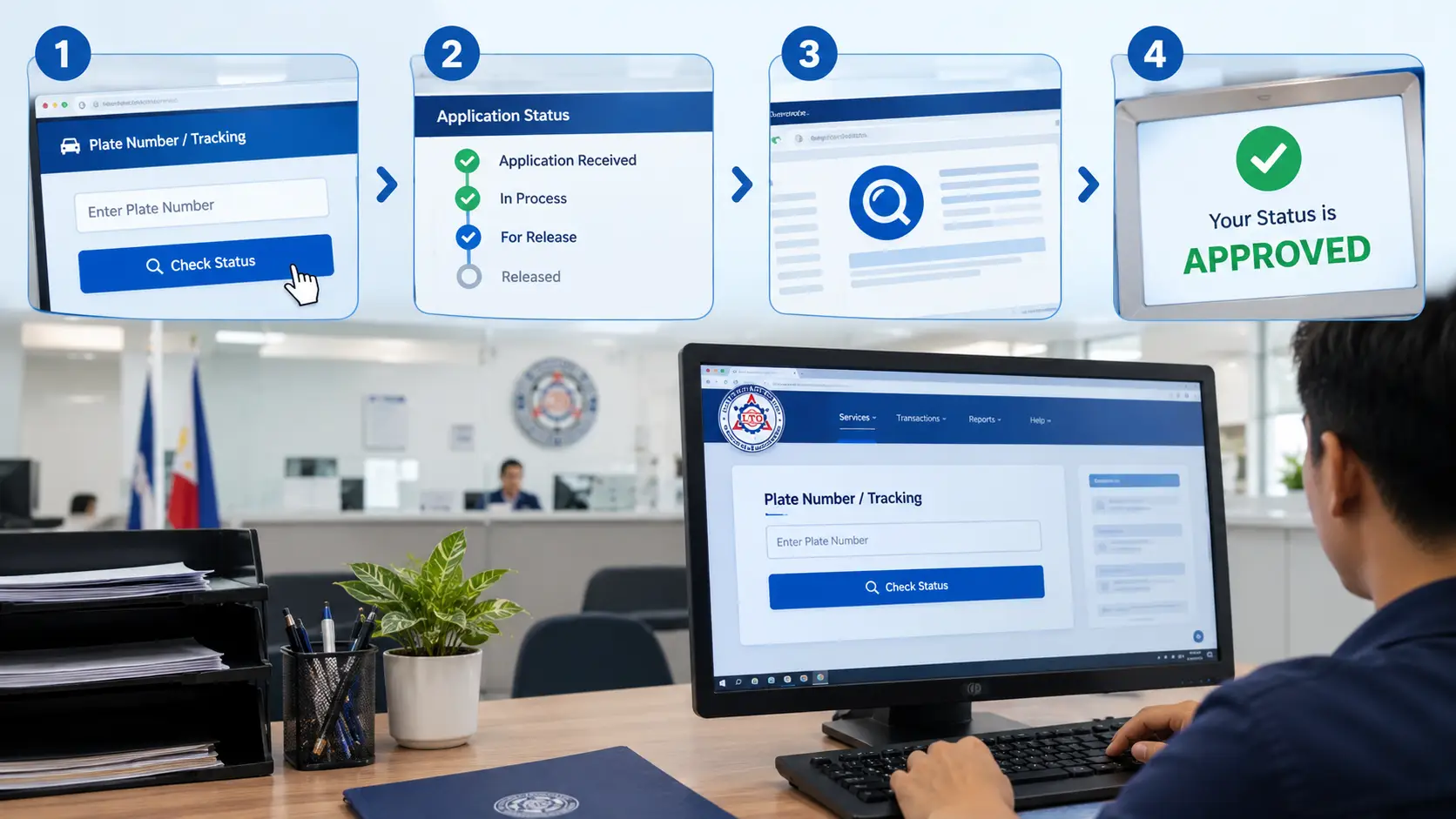
For a plate, type in your plate number or MV File Number. For a license, input your license number and birthdate accurately as they show on your documents. Small text errors, like a missing zero, are one of the most usual reasons a search returns no result.
Submit and read your status
Click the search or track button. Within seconds, the system shows your present status, along with a short explanation of what that status means.
Save or screenshot the result
If your status shows a tracking number for delivery, save it somewhere you can check again. You will use it to track your parcel with the carrier once it sends out.
If you get "not located," double-check every letter you typed, then try again after a few hours. New registrations sometimes take a day or two to show up in the system .
What Does Each LTO Tracker Status Mean ?
Understanding your status message is equally crucial as being able to confirm it. Here is what each common status tells you, along with what to expect next.
| Status | What It Means | What You Should Do |
| In Process / Under Process | Your plate is still being produced, or your paperwork is still under review | Wait a few more days, no action needed yet |
| Accessible for Pickup | Your plate or license is ready at the allocated LTO office | Bring valid ID and your OR/CR to claim it |
| Ready for Delivery | Your item completed processing and is being arranged for courier handoff | Make sure your delivery address and contact number are correct |
| Dispatched / Shipped | Your item has left the LTO facility and is with the carrier | Use the SMS tracking number to follow the shipment |
| Delivered | Your plate or license has been delivered, either by pickup or delivery | Keep your receipt as proof in case of issues |
LTO Plate and License Delivery Process
Home dispatch became one of the most popular options once Filipinos noticed how much time it saves compared with repeated office visits. The process is simple, but missing a step can delay everything.
Upload clear copies of your documents
You will need to send a photo or scan of your OR/CR, with a valid government ID. Blurry or cropped images are one of the main reasons inquiries get refused and sent back for refiling.
Fill in your delivery address completely
Include your barangay, city, and a valid zip code. Missing details like unit numbers or landmark details can often cause carriers to mark a dispatch try as failed.
Monitor your delivery until it arrives
Customers can track their package by using the carrier tracking number. Someone must be present to receive and sign it, as transporters typically do not leave government documents.
Pay the delivery
fee
Costs are calculated based on your location, with Metro Manila locations usually costing less than dispatches to distant regions. Payment options usually include online banking, e-wallets, and over the counter options.
Wait for confirmation and tracking details
When the payment clears, you will receive an SMS with a carrier tracking number.This number is separate from your LTO Tracker search and works immediately with the delivery service's own tracking page.
A request for home dispatch is not automatically processed just because you registered your vehicle or updated your license. You must select the dispatch option and complete the payment; else, your plate and license will be held at the LTO office for collection. If you drive in Metro Manila, check our guide to Manila coding hours to understand the number coding schedule and plan your trips accordingly.
Delivery Fees and Timeline by Area
Delivery charges and waiting times vary slightly based on where you live. Here is a common list based on common experiences reported by motorists across the country
| Location | Estimated Delivery Fee | Typical Delivery Time |
| Metro Manila | ₱150 - ₱250 | 3 - 5 working days |
| Nearby areas (Cavite, Laguna, Bulacan, Rizal) | ₱200 - ₱350 | 5 - 10 working days |
| Visayas and Mindanao main cities | ₱300 - ₱450 | 10 - 15 working days |
| Remote or island areas | ₱400 - ₱600 | 15 - 28 working days |
These numbers shift based on carrier availability, weather delays, and how busy the LTO office is at the time of your inquiry. Areas prone to cyclones often see extra wait times during the wet season, so it helps to allow some extra days if you are waiting for a plate between June and November.
Home Delivery vs Pick-Up at LTO Office
Choosing between dispatch and collection depends on your plan, your location, and how quickly you need your plate or license. Both options work fine, but each suits a different type of motorist.
Pick-up makes sense if:
Home delivery makes sense if:
If you choose a collection,carry your original OR/CR along with one valid government-issued ID. Agents collecting on someone else's behalf also need an authorization letter from the vehicle or license owner, so plan ahead if you cannot go yourself.
LTO Tracker vs LTMS Portal: What's the Difference
LTO Tracker only displays dispatch and processing status, while LTMS Portal handles full processes like registration, renewal, violation payments, and exam bookings.
Common Problems and How to Fix Them
Even a simple tool can run into problems, especially during high-traffic periods. Here are the problems Filipino users report most often, along with useful fixes for each one.
Status shows "not found
This usually means your plate has not yet been added to the system, or you entered something incorrectly. Double-check your MV File Number character by character,then wait 24 to 48 hours if your registration was recently processed before trying again.
Tracking numbers from courier isn't working
Carrier tracking numbers sometimes take a few hours to activate after you get the SMS. If it still doesn't work after a whole day, reach out to the carrier's customer service using the number supplied in your confirmation message.
The website is slow or won't load
Government platforms experience heavy traffic, especially near renewal due dates. Try opening the site early in the morning or late at night when fewer people are online, and avoid refreshing repeatedly since that can sometimes cause temporary errors.
Status has not changed for weeks
Processing slowdowns occur during the busiest months or when there is a pending request at the plate manufacturing facility. If more than three to four weeks pass without any progress, contact the LTO hotline or email [email protected] with your MV File Number ready.
Delivery address details went missing or wrong
If you notice your address was entered incorrectly after your application, contact your registering LTO office immediately instead of waiting for the carrier to fail to deliver. Correcting this early stops your package from being sent back to the sender.
Quick Tips for a Smooth Process.
Frequently Asked Questions
Conclusion
In the past, checking your driver's license or license plate number required you to guess, wait in line, or call a hotline that wasn't always immediately responded. Whether you are at home, at work, or stopped in traffic, LTO Tracker changed that by placing your status directly on the screen of your phone. The entire process is easier if you know what each state implies, have your MV File Number handy, and choose between collection and dispatch according to your own strategy.
The system is not perfect, and slowdowns still occur during peak months, but knowing how the process works puts you in a much better position than motorists who only find out about issues after weeks of silence. Keep your documents ready, check your status regularly instead of excessively, and contact the LTO immediately if something appears to be delayed. That mix will get your plate or license into your hands with the least amount of difficulty.